
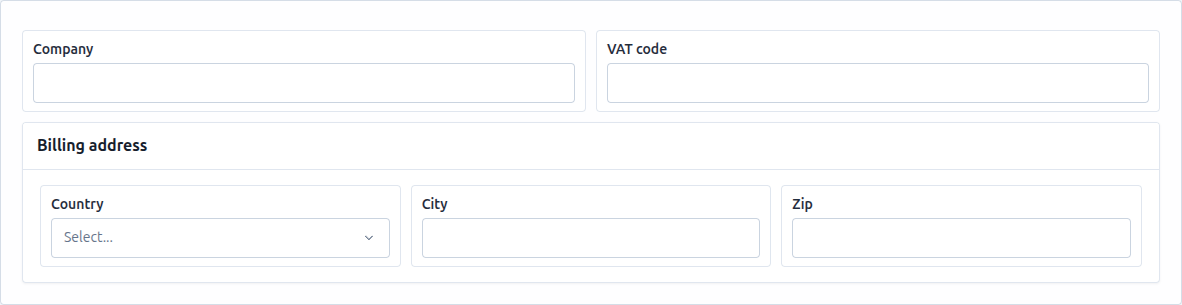
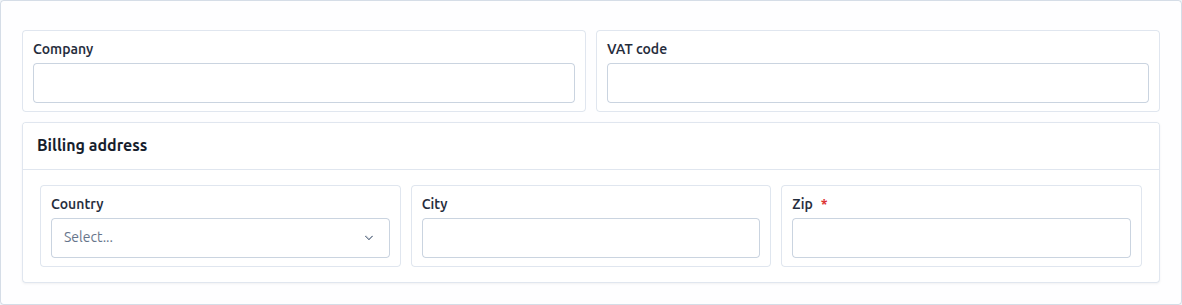
Whole pages, not just forms
55+ elements — inputs, choice controls, full-featured data tables, charts, KPI cards, tabs, splitters, dialogs, steppers — compose into complete views with responsive layout per breakpoint.
Design entire pages — forms, dashboards, data tables, guided flows — in a drag-and-drop builder, ship them as JSON, and render them natively in your Angular app. One library, a full runtime, and a typed API for everything.
Build and test with the full builder and runtime for free, right now, in the live demo. Commercial licenses aren't for sale yet — we're finishing pricing and checkout before general availability. See the pricing page for current status.
Creators get a professional visual workspace: drag elements onto pages, configure every property from a searchable sidebar, preview on desktop/tablet/mobile, and test with live data — no development environment required.
Developers get a serious integration surface instead of a black box:
import { NgxViewBuilderRuntime, NgxViewBuilderApiService } from 'ngx-view-builder';
@Component({
imports: [NgxViewBuilderRuntime],
template: `<ngx-view-builder-runtime [pageJson]="view" [dataJson]="data" theme="dark" />`,
})
export class ClientPage {
private api = inject(NgxViewBuilderApiService);
ngOnInit() {
this.api.onComplete.add(async ({ isValid, data }) => {
if (isValid) await this.save(data);
});
}
}Everything the builder does is available programmatically — read and mutate structures, set values, reload data sources, switch themes and languages, validate headlessly, and observe 50+ typed events. See the API service reference.
Take the 5-minute first form tutorial, embed the runtime, or explore the live demo.
Everything public about NGX View Builder lives in the community repository:
NGX View Builder stands on the shoulders of a small set of battle-tested open-source libraries. Thank you to their authors and maintainers.
Powers the JSON, HTML, and JavaScript editors inside the builder — syntax highlighting, autocompletion, and editing commands.
The engine behind the expression language — every hideIf, calculated value, and condition is evaluated by Jexl.
Formats structure JSON and code snippets in the editors so what you read is always tidy.
Utility functions (lodash-es) used across the library for safe, predictable data handling.